Your brand in every clip
Paste your website and Raytake pulls your logo, colors and fonts into a brand kit. Characters keep the same face from scene to scene.
Private beta for macOS
Raytake is a Mac app for small brands and creators. Describe the video you need and its assistant writes the script, frames every scene, adds captions and music, then exports for Reels, TikTok and Shorts.
Free during the beta · No credit card · macOS 14 or later
The usual week
Most of the time goes into jobs that are not the idea itself. Raytake keeps the idea with you and hands the rest to an assistant you can watch and steer.
≈ 4 h 20 min
≈ 12 min
The assistant does the drafting, framing, captioning and exporting. You read, approve, and post.
Features
Raytake is built around the parts that usually go wrong: brands drifting between clips, money spent on scenes you throw away, and captions done last at midnight.
Paste your website and Raytake pulls your logo, colors and fonts into a brand kit. Characters keep the same face from scene to scene.
Still keyframes come first. Only the scenes you approve get animated, under a spending cap you set per video.
Word by word captions are transcribed on your Mac, and you get three opening hooks to pick from.
Connect Claude Code, Codex or Cursor, or run local models. Projects are plain folders on your disk.
Export every size in one pass and schedule posts to Instagram, TikTok and YouTube from the app.
You bring the idea.Raytake does the busywork,then waits for your yesbefore it spends a cent.
How it works
You stay in charge of every decision. The assistant shows its plan, waits for your approval, then does the work.
Pick what the video is for, a style and a platform. Six short questions, and every answer can change later.
Goal · Style · Engine · Format
Read the script, check each scene card and its keyframe, and ask for changes in plain words.
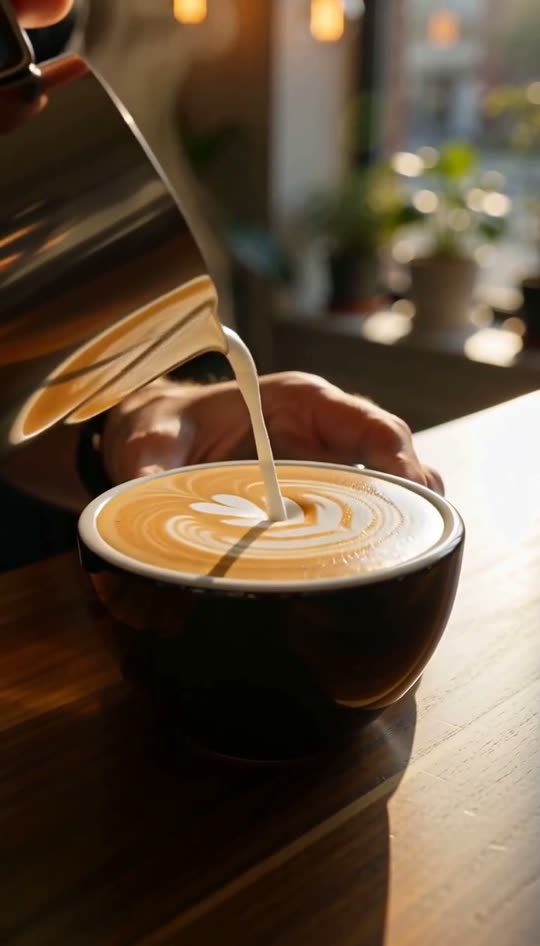
“Make the pour slower, keep the logo”
Get captioned files in every size, or schedule them to your accounts straight from the app.
MP4 · 1080 × 1920 · 0:20
From the beta
“I used to batch Reels on Sunday nights. Now I write the briefs over coffee on Monday and approve frames between orders.”
11 Reels in March
Selin Aydemir
Owner, Blue Door Coffee
“The frame approval step is what sold me. I stopped paying for clips I was going to cut anyway.”
$2.37 average per video
Marcus Lindqvist
Social lead, Nordfolk Ceramics
“My character finally looks like the same person in every episode. That alone saved my series.”
34 episodes so far
Priya Raman
Creator, Tiny Kitchen Stories
Small brands, solo creators and social media managers who need a steady stream of short videos for Reels, TikTok and Shorts, and do not have an editor on the team.

Join the waitlist and we will send your invite as soon as a beta spot opens.
Free during the beta · No credit card · Leave the list anytime